Skip to content

Unofficial Unstable Unicorns Fan Game

What’s new

News from the table

Every update in the changelog, and the longer stories behind them on the blog.

Small patch

Clearer card effects and feedback replies

  • Card animations now show which card caused a destruction, sacrifice, move or return, with different animations for sacrifices and destruction.
  • Neigh responses now group identical cards, show player portraits and mark when the original card is cancelled.
  • Fixed duplicate placement previews when switching between mouse and keyboard, and made target highlights clearer.
  • Pandamonium now explains that your Pandas keep their card abilities.
  • Leave an optional reply email with your feedback so you can receive a response.
  • Pages now refresh automatically when an update stops them from opening.
  • Missing pages now show Unicorn Oracle and a shortcut back home.
Small patch

Menu polish and game fixes

  • Updated menu artwork and made Decks, Crews, Game history and the Trophy Room easier to read in both themes.
  • Bot League match history now groups games by week and shows which weeks count toward your score.
  • Leaderboards now reopen the Rival League or Bot League tab you last viewed.
  • The current Bot League season's standings now show the character and skin each player is wearing, and update as soon as you change yours.
  • Fixed hard-to-read text in the Crews guide's sample leaderboard and on earned trophies in the Trophy Room.
  • Fixed Queen Bee Unicorn blocking Baby Unicorns from entering other players' Stables.
  • Fixed Two-For-One and Unicorn Poison letting you pick cards they can't destroy, such as Magical Kittencorn.
  • Turns now wait for card animations to finish, and revealed hands fit beside player names.
  • Online games now show an error message when an action fails to reach the server.
  • Translated blog posts now include a notice and a button to read the English original.
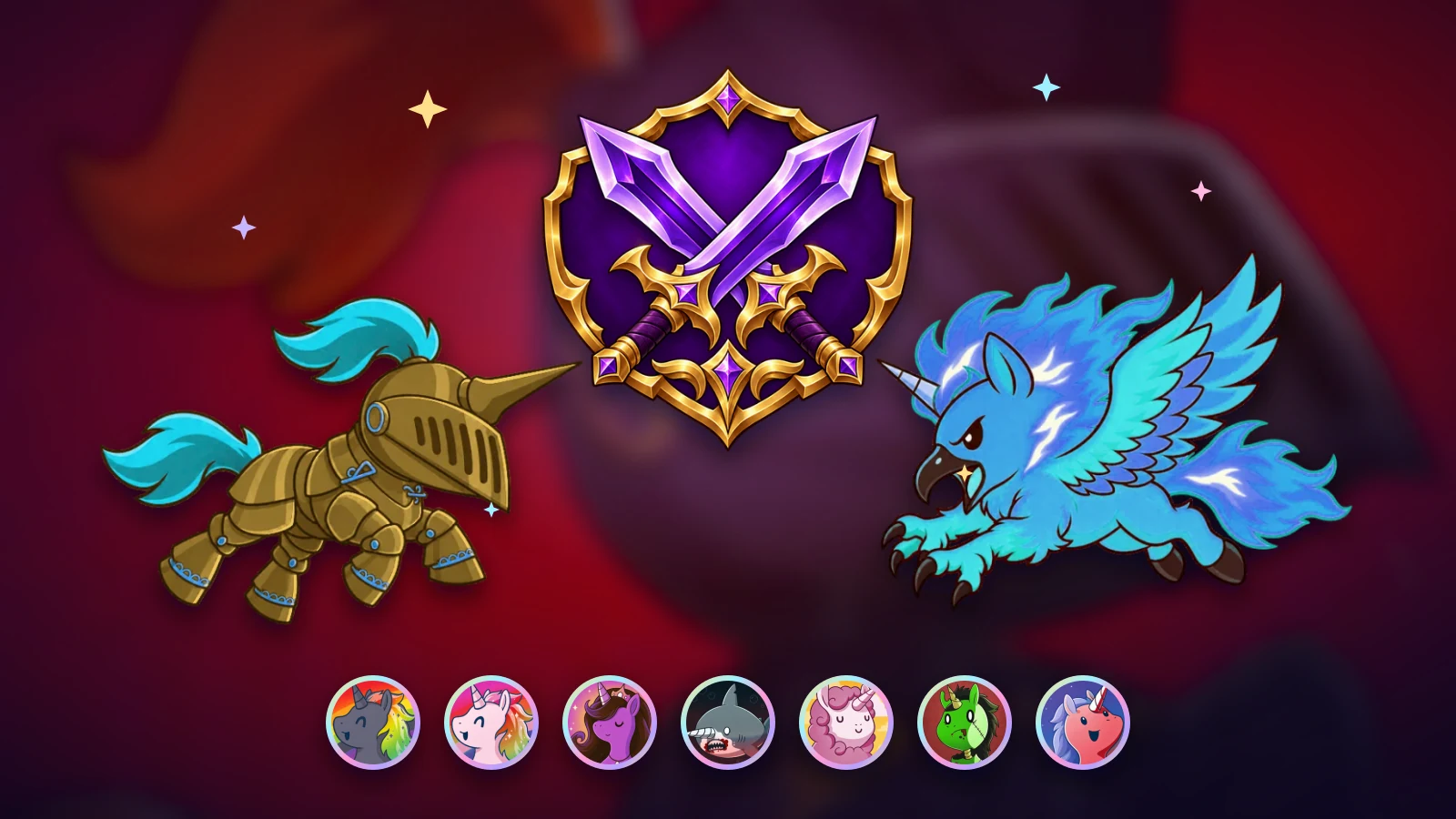
The Rival League's crossed-swords emblem between Black Knight Unicorn in a gilded skin and Unicorn Phoenix in a frost skin, above a row of skin portraits in foil rings.

Big update

The Rival League, skins and new menus

  • Play rated games against other people in the new Rival League: a Find match game is rated when at least two signed-in players are at the table.
  • The Rival League opens with Season 2 on November 16. Until then, rated games already shape your starting rating.
  • Finish 5 rated games in a season to get your tier: Bronze, Silver, Gold or Champion. Each season ends with a holographic foil frame for your final tier.
  • Up to three Find match wins a day count toward the season's most-wins race, and the top three earn the Most Wins badge.
  • When a Find match player leaves or stops playing, a bot takes their seat until they take it back.
  • Collect 31 skins, color variants of the player characters. Sign in, and each of your first three games a day can drop a chest with a skin you don't own yet.
  • If your first two games of the day miss, the third is guaranteed. Only games of at least 8 turns and 3 minutes count.
  • Wear your skins, frames and badges from the Wardrobe in the Trophy Room.
  • New menus put every part of the game in six sections: down the left side on a computer, and along the bottom on a phone.
  • Read short guides to the rules and every mode in Learn, and find the changelog and the new blog under What’s new.
  • The Campaign opens on an overview of the realms and your progress through them.
  • The league with three weekly games against bots is now called the Bot League.

Small patch

Automatic game reconnection

  • Online games now reconnect automatically when live updates stop arriving.
  • Your board stays visible while reconnecting and catches up when the connection returns.

Small patch

Hand picks and rare card previews

  • Discard and other choices from your own hand now happen in the hand itself: it straightens into a raised row and you tap the cards you want.
  • Campaign bosses show their powers as icons next to their name, and each icon lights up when its power fires.
  • Bots now take the same time to respond whether they pass or Neigh, so a pause no longer gives their choice away.
  • Browse rare promo cards and alternate-art reprints in the Deck builder under the new "Rare & alternate art (preview)" set. They can't be added to a deck yet.
  • Can you help make a great soundtrack for the game? I'm open for a chat. Reach out through Feedback.
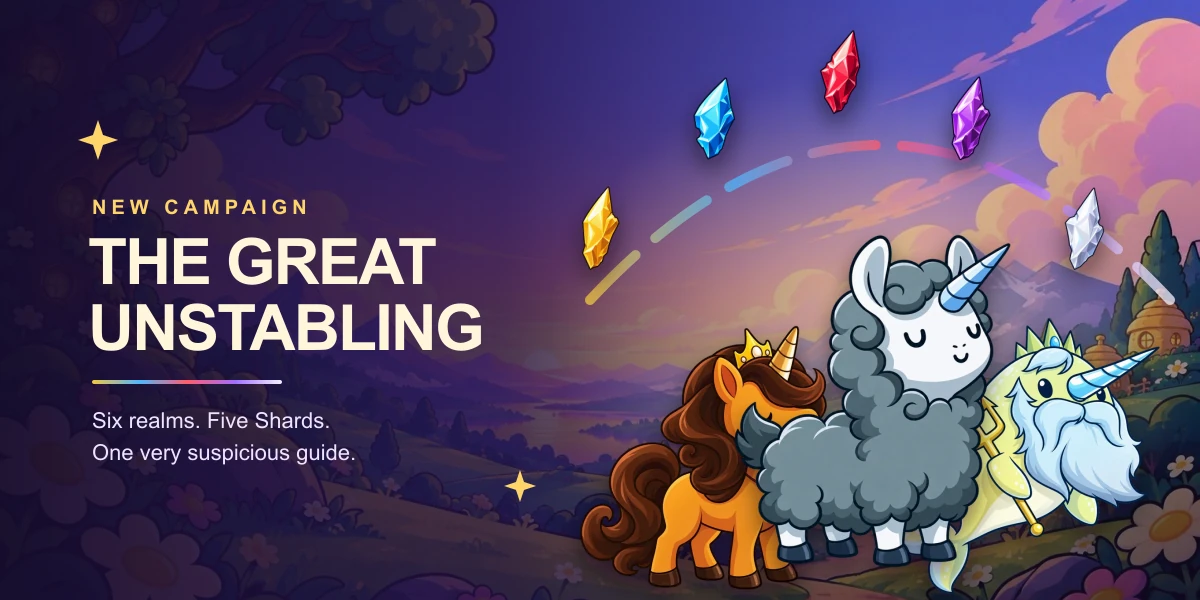
Llamacorn, Queen Bee Unicorn, and The Great Narwhal beneath an arc of five glowing Shards over a twilight meadow.

Big update

The Great Unstabling

  • Play The Great Unstabling, a single-player campaign of 1v1 duels across six realms, from Nursery Meadows to the Llamapocalypse. Sign in to save your progress. Finish Story to unlock Normal, then Normal to unlock Unstable.
  • Elites and bosses use powers such as Royal Decree and Scorching Breath on a countdown you can watch. Earn up to three stars in each match from its star goals, and choose a boon after each boss.
  • Follow the story through voiced cutscenes and an opening and ending film, guided by Llamacorn, who seems very keen to look after the Shards.
  • Restore the Rainbow on each difficulty to earn the Shardbearer, Rainbow Champion, and Unstable Legend frames. Equip them in the Trophy Room.
  • Menus now have their own music and soft button sounds. Set menu music, game music, and sound effects volumes on the new Sound page in Settings, now on every menu screen.
  • Menu pages keep the header in place and switch faster. Bot League standings and the Trophy Room load faster, unknown links show a Page not found screen, and table piles stay on the board at laptop heights.

Small patch

Bug rewards and clearer Neighs

  • When a bug you reported is resolved, open the thank-you chest beside your character on Home.
  • Claim rewards for 1, 2, and 3 resolved reports to unlock frames with one, two, and three bugs. Equip them in the Trophy Room.
  • Activate Objection from its highlighted Stable card or the response window. The Instant chain now shows pending responses.
  • Choose Neigh or Objection in one response window. Passing or timing out declines both options.

Small patch

Card steals and table fixes

  • Take cards by tapping a highlighted hand. New animations show the transfer.
  • Nanny Cam hands and the table fit better on small screens.
  • The game log fits more actions on screen.
  • Fixed Neigh countdowns on devices with incorrect clocks.
  • Super Neigh now has its own message.
  • Online games now pick a random starting player.

Small patch

Clearer draws and smoother responses

  • Watch card backs fly into opponents' hands when they draw. Opening draws follow the turn banner, and draws caused by a played card wait for its entrance.
  • Played cards fit between rival Stables and the choice prompt when there is room, keeping targets easier to see.
  • Control & Chaos response chains now finish correctly: Absorb and Reflect and Trapped Chest cannot replay themselves while resolving, including in games against bots.
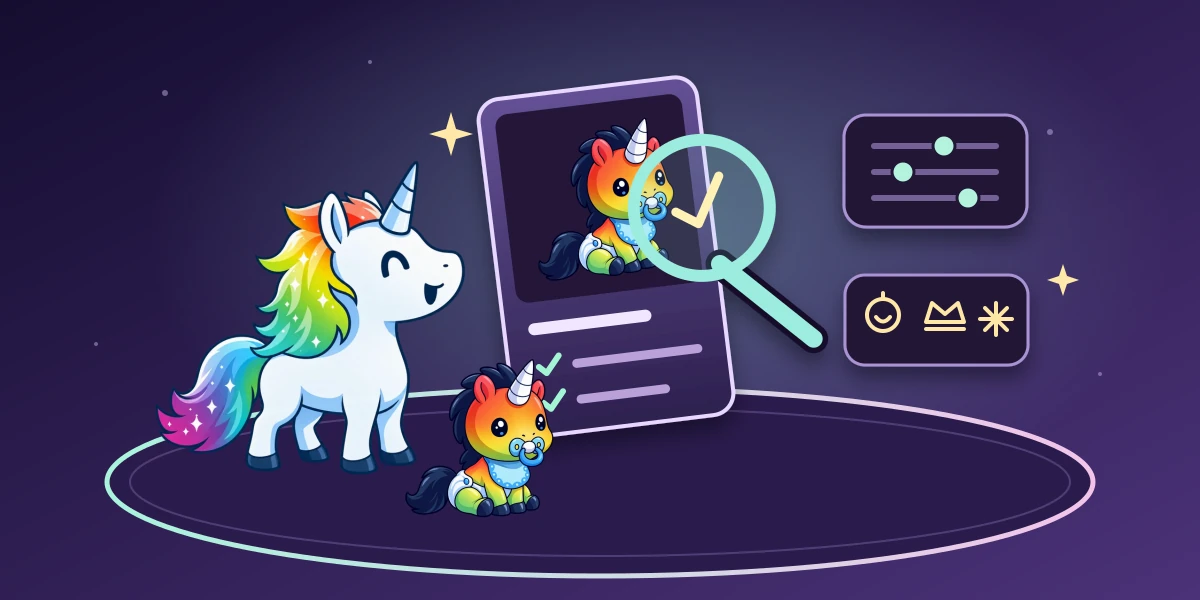
Rainbow Unicorn and Rainbow Baby beside a glowing card with a magnifying glass, card type symbols, and motion controls on a purple table.

Big update

Your table, your pace

  • Race to grab your starting Baby Unicorn: everyone chooses together, and the first claim wins. Unclaimed seats receive a random Baby when time runs out; pass-and-play still hands the screen over one player at a time.
  • Read a card’s current rules, including active effects, protections, play restrictions, and its Unicorn count. Follow “Because of” links to inspect the cards behind those effects. Hold a card on touch screens or press F2 to keep its rules open.
  • Choose Follow device, Reduced motion, or Full motion in Accessibility on Home or in Game options. Reduced motion skips table scenes and shows choices immediately. Add card type labels and distinct icons for clearer cues alongside color.
  • Press Space to pass in a response window. Change the key or disable it in Keyboard shortcuts. Accessibility and Table theme now have their own pages in the options menu.
  • Home features a different card set for each browser session, including Dragons and Unicorns of Legend. Summoning Ritual occasionally comes to life, and your character jumps in whenever you return Home; reduced motion keeps them still.
  • Lighter live updates use less data, returning visits reuse artwork and audio, and follow-up choice banners transition more smoothly.
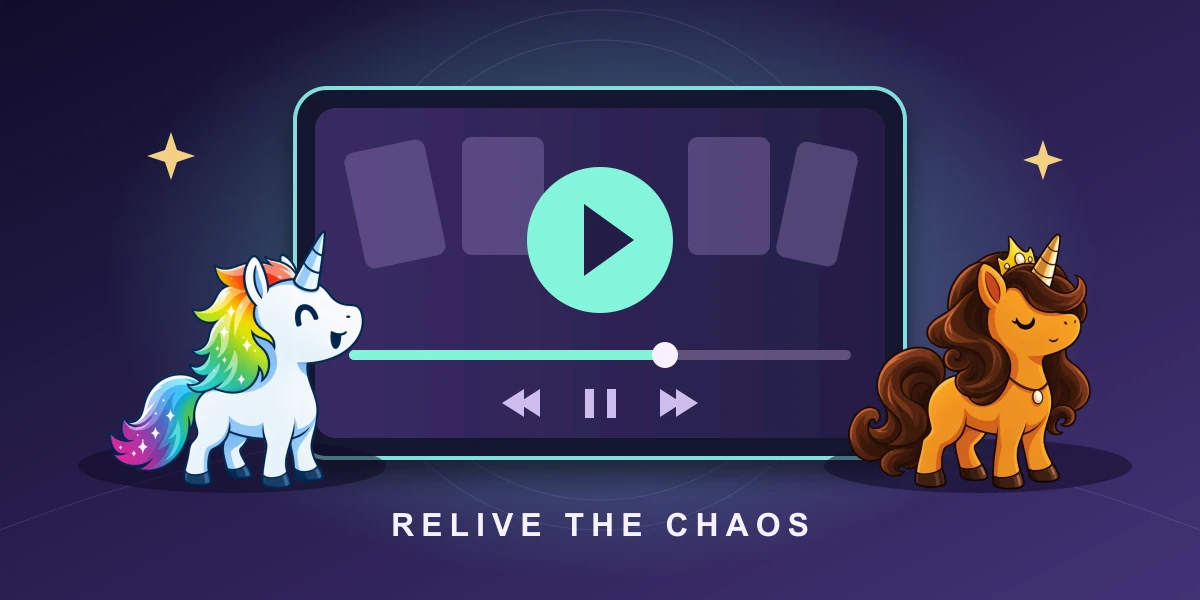
Rainbow and Queen Bee Unicorn watching a glowing replay screen with a play symbol and a match timeline.

Big update

Relive every battle

  • Watch newly completed matches from History. Pause, rewind, jump between turns, and see the game from any player’s viewpoint.
  • Share a replay link so friends can watch the whole match, including every player’s hand.
  • The animated table is now the only board for every game mode. Opening music flows smoothly from introductions into Baby Unicorn selection and your first turn.
  • Continue with Discord when Discord sign-in is available, alongside the existing sign-in options.
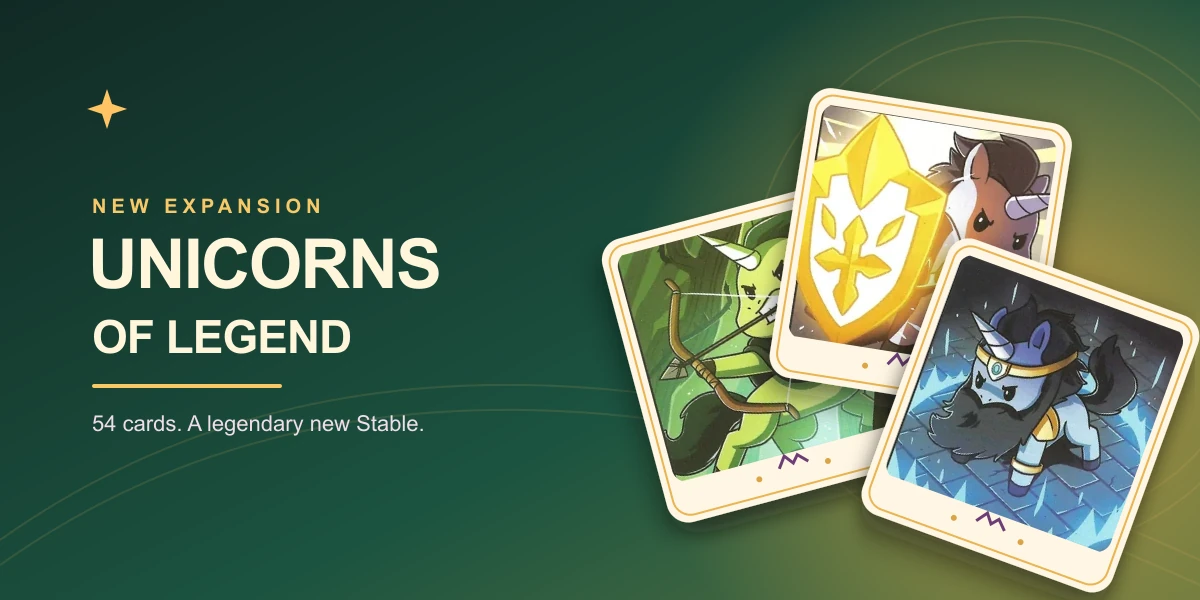
Elficorn Scout, Paladin Unicorn, and Divine Unicorn on golden-framed cards against an enchanted green and gold backdrop.

Big update

Unicorns of Legend joins the battle

  • Add 54 second-edition cards to your next game, with heroic Unicorns, powerful spells, and medieval mischief. Unicorns of Legend launches in Beta.
  • Combine it with compatible base decks and other expansions, or choose its cards in the deck builder. Two-player games automatically apply the official card exclusions.
  • Every new card has translated names and rules in all supported languages.
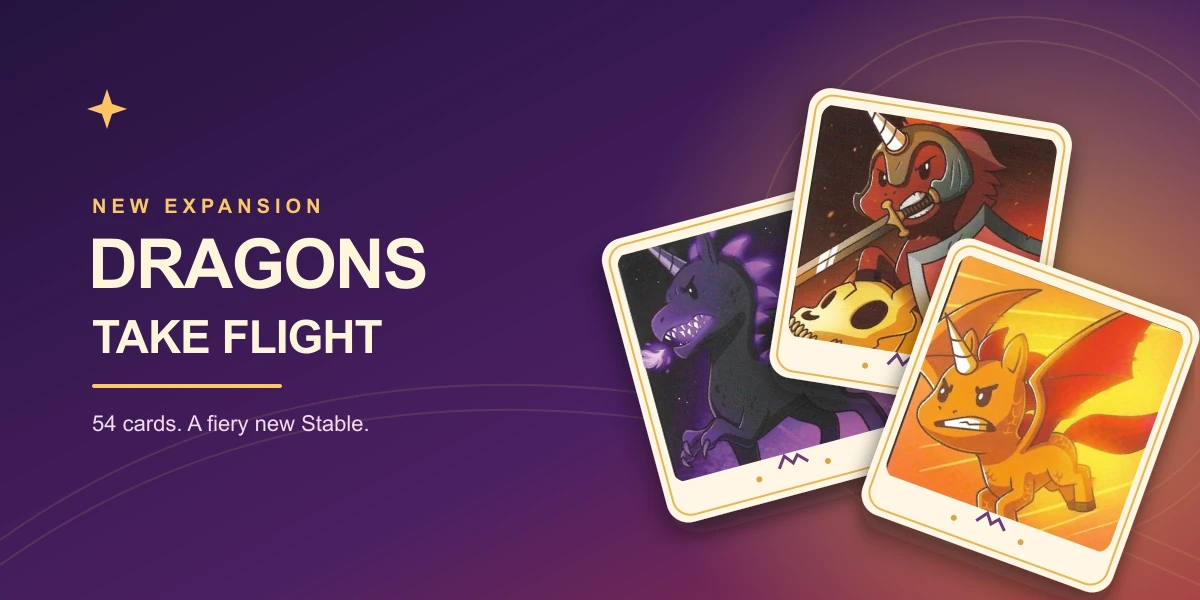
Dragon Unicorn, Dragon Slayer Unicorn, and Scaled Flying Unicorn on three golden-framed cards against a purple and fiery backdrop.

Big update

Dragons take flight

  • Add the Dragons expansion to your next game: 54 second-edition cards bring Dragoncorns, fiery magic, protective spells, and new ways to build your Stable.
  • Mix Dragons with compatible base decks and other expansions, or add its cards to a custom deck. Two-player games automatically apply the official card exclusions.
  • All new cards have translated names and rules in every supported language. Dragons launches in Beta.
  • Smoother play on phones: Neigh windows no longer redraw their whole panel every frame, card plays do less work, and the home character stays put after it lands.
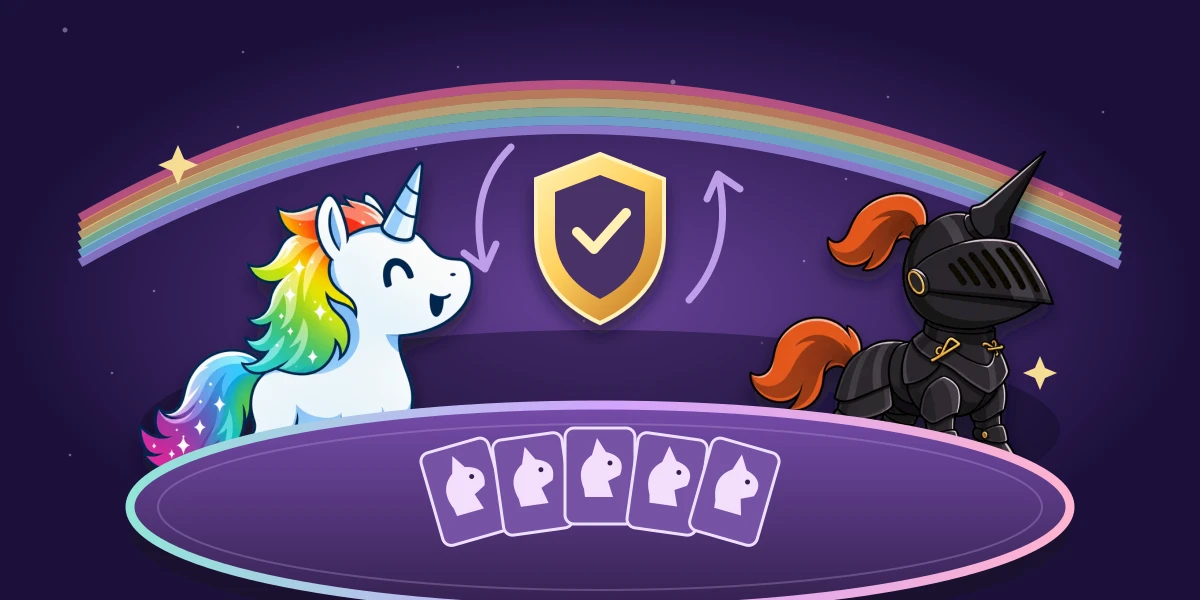
Rainbow Unicorn and Black Knight defend a Stable of Unicorn cards under a golden shield and turn arrows, with a rainbow sweeping across the purple table.

Big update

One more round, a smoother table

  • Hosts can enable Survive one round in Advanced rules: keep your winning Stable through every rival's turn to win. Both boards announce the potential final round.
  • Nanny Cam hands stay face up on the version 2 table. Tap a card to inspect it, and scroll crowded Stables to reach every card.
  • Home fits better on phones, with easier scrolling and lighter opening animations. Avatars stay visible above their glow, and the language picker now includes flags.
  • Flying Unicorn sacrifices and destruction now complete their follow-up effects. Optional choices such as Rainbow Mane can be declined, bots handle Tiny Stable better, and Quick Battle uses medium difficulty.
  • Crew controls fit narrow lobbies, solo games against bots skip the Save as crew prompt, and returning Home from results clears old saved seats.
  • On desktop, your unicorn celebrates unread releases with a rainbow beam. It plays once per update and respects reduced motion; the unread dot clears when you open Releases.

Small patch

Cleaner deck artwork and release navigation

  • Deck and expansion boxes now appear without white backgrounds and with consistent sizing in the lobby and deck catalog.
  • Box artwork stays clear in both light and dark themes.
  • Release navigation now uses a compact counter, keeping long update histories tidy on every screen.
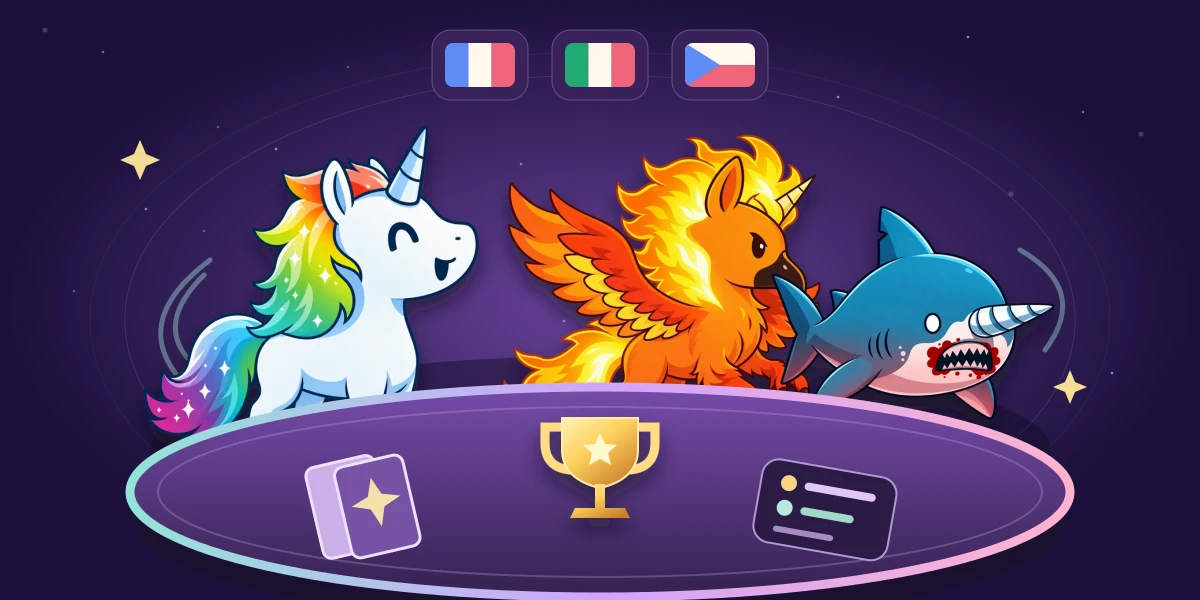
Rainbow Unicorn, Phoenix, and Shark with a Horn gather around a purple card table beneath French, Italian, and Czech flags and a golden trophy.

Big update

Your crew, brought to life

  • Bring your friends together in Crews: share an invite, play crew games, and track wins, streaks, and a leaderboard ranked by win rate.
  • Your character now blinks and moves on Home and in Choose your character, with still artwork when reduced motion is enabled.
  • Play in French, Italian, or Czech, with translated menus, all 376 cards, and card search. Your language choice is remembered.
  • Regular now rewards 25, 100, and 250 finished games, including a new frame. Achievement cosmetics have fresh details, and Trophy Room stacks are clearer in dark mode.
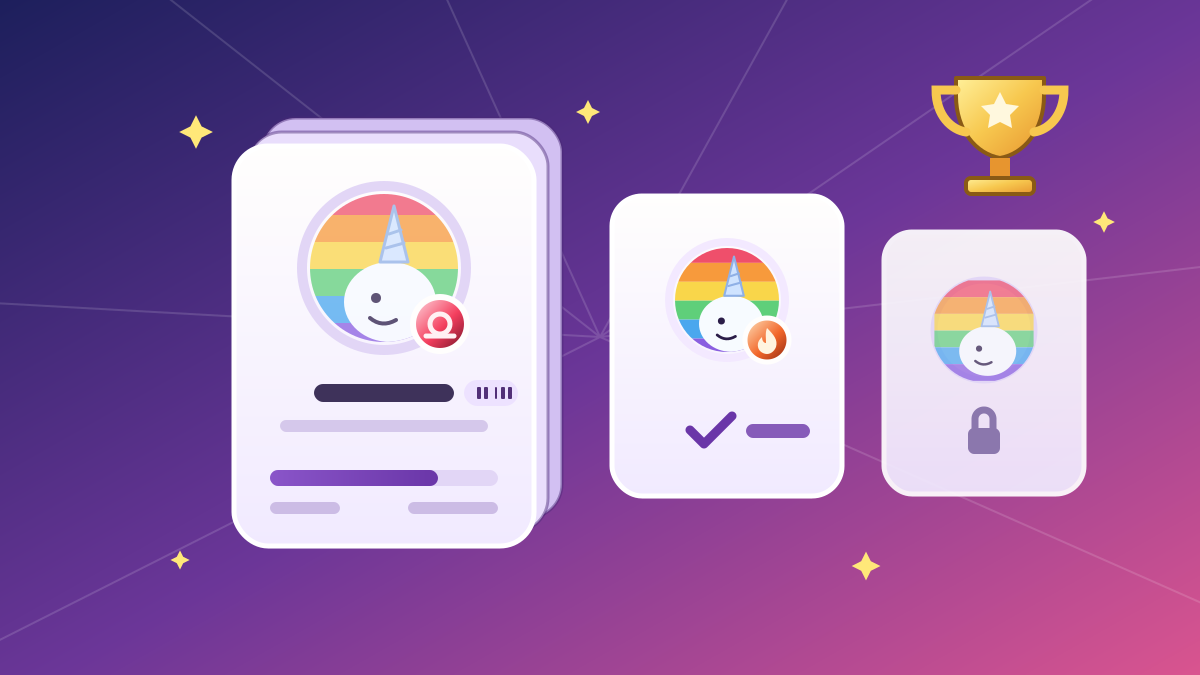
A stacked achievement card with a progress bar beside an unlocked flame badge, a locked achievement, and a glowing golden trophy.

Big update

Achievements and the Trophy Room

  • Sign in and every game you finish counts toward 12 achievements, against bots or friends, from stealing Unicorns to winning on 10 different cards. Each one unlocks a badge, and Kleptocorn III unlocks a frame.
  • The cosmetic collection is now the Trophy Room. See what you're closest to unlocking, filter by locked or unlocked, and click a stacked card to see every level and its reward.
  • After each game, Moments to remember shows the winning move, comebacks, clutch Neighs and more. Share highlights copies them to send to friends.
  • Hover a unicorn in Choose your character to preview it before you pick.

Small patch

Opponent stickers stay in view

  • Opponent stickers now appear in full beside their avatars on the version 2 board, without their tops being cut off by the toolbar.
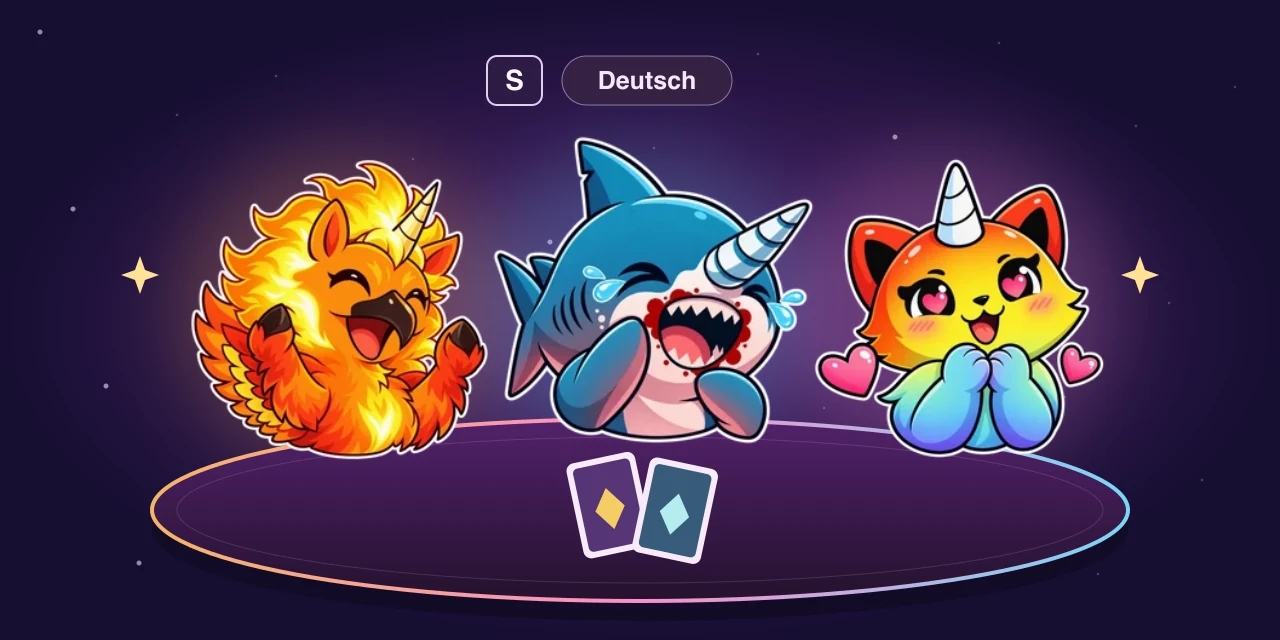
Phoenix, Shark with a Horn, and Magical Kittencorn reaction stickers above a purple card table, beside an S key and a Deutsch language badge.

Big update

Your unicorn, your reactions

  • React with six stickers for each of the 30 playable characters. They float beside your avatar on both boards, and spectators can see them too.
  • Press S to open stickers or change your sticker and microphone keys in Menu → Keyboard shortcuts. Turn off Show stickers for a quieter table.
  • Choose Deutsch for German menus, prompts, all 376 cards, and card searches. Your language choice is remembered on this device.
  • Stable placement previews respond to hovering and keyboard focus, and played cards stay visible as they land on the version 2 board.

Small patch

  • Grow Up now lets you choose a Unicorn from the deck and bring it into your Stable after sacrificing a Baby Unicorn.
  • Baby Unicorns still return to the Nursery when sacrificed or destroyed, and effects that depend on their removal now continue correctly.

Small patch

Version 2 feels better on phones

  • Swipe between opponent Stables from the cards or the spaces around them. Swiping no longer opens card previews; hold a card still to inspect it.
  • Card flights stay aligned after scrolling, with lighter effects on phones. Decks and piles no longer trigger iPhone text selection or touch menus.
A smiling rainbow-maned unicorn and two colorful companions play cards around a glowing purple table as unicorn cards sparkle overhead.

Big update

Version 2 takes the table

  • The redesigned game is now the default, with animated unicorns, card plays, and a fresh table to bring every turn to life.
  • Prefer the familiar board? You can switch to version 1 in Home settings anytime. Your saved choice is remembered.

Small patch

Player name checks work again

  • Fixed an issue that could prevent creating or joining a room when player names could not be checked.

Small patch

Invite friends with a link

  • Share a room link so friends can choose a name and join without an account. Returning players can resume their seat, and late arrivals can watch the game.

Small patch

Player names stay game-friendly

  • Player names are checked for language that is unsuitable for an all-ages game. If a name is blocked, choose another one before joining or saving your profile.

Small patch

Choose your league name

  • New league players can choose a leaderboard name, with a random unicorn name ready to edit. Players with a generic default name will be prompted too.
  • Joining a room now asks for your name instead of silently assigning a generic one.

Small patch

League clarity and a tidier phone header

  • Finishing a league match now ends it: Home no longer offers to reconnect to an attempt that is already over.
  • The leaderboard shows how far along you are — matches played and wins — instead of labelling everyone “Not yet qualified”.
  • On phones, Home's settings, releases, and feedback gather into one menu next to your profile, so the logo and your account share a single row.

Small patch

Collection polish and mobile navigation

  • Your cosmetic collection now shares the arcade look of Home, lobbies, and the league, with matching reward panels and avatar previews.
  • Page transitions are disabled on mobile and touch devices. The profile menu is simpler, with Bot League still available from Home.

Small patch

Fresh look, smoother navigation

  • A new rainbow wordmark and tilted horn icon welcome you Home, with tighter spacing and neatly aligned mode buttons.
  • Bot League now shares the arcade look of Home and lobbies, with smoother transitions between screens.
A rainbow-maned unicorn faces three mechanical unicorns around a magical card table beneath a golden trophy.

Big update

Seasonal Bot League

  • Face three bots in three ranked matches each week. Your best six weeks count toward an eight-week season.
  • Earn permanent season badges and avatar frames, then equip your favorites from your cosmetic collection.

Small patch

Sharper cards

  • Every card, in every language, now draws its own illustration, with the name and rules set as real text instead of a picture of a card.
  • Ultimate Unicorns keep the wider, borderless artwork of the printed card.
  • Cards download around 45% less image data, so hands and previews appear faster.

Small patch

Smarter bot decisions

  • Bots make better choices when destroying, stealing, or sacrificing Unicorns, including flying Unicorns that return to hand.
  • Easy, Medium, and Hard bots better recognize winning plays, weigh optional costs, and choose when to use Neighs.
  • Bots avoid repeating Dark Angel Unicorn revival loops.

Small patch

Play in Danish

  • Choose Dansk in Home settings or the game menu. Your choice is remembered on this device.
  • Play with Danish menus, prompts, and all 376 cards, using an original unofficial translation based on the English rules.
  • Find cards by their Danish names in the deck builder and deck picker.

Small patch

Play in Spanish

  • Choose Español in Home settings or the game menu, alongside English and Magyar.
  • All 154 cards with a Spanish release use their official printed names and rules; the other 222 follow the official rulebook vocabulary.
  • Card search in the deck builder and deck picker now matches the language you are playing in.
Two unicorns play cards above Budapest, surrounded by Hungarian ribbons and golden lights

Big update

Play in Hungarian

  • Choose English or Magyar in Home settings or the game menu. Your choice is remembered on this device.
  • The 84 base-deck cards use their official Hungarian names, and all 376 follow the official rulebook vocabulary.
  • Play the same match in different languages. Hold a card to read its enlarged preview on your phone.

Small patch

Full history and movable choices

  • Open Full history in the game log to revisit earlier actions from every player. New events no longer remove older entries.
  • Drag decision prompts out of the way with the Drag to move handle to reach covered cards, including start-of-turn sacrifices.
  • Ginormous Unicorn now counts as one Unicorn while Blinding Light suppresses its effects, matching the removal of its Neigh restriction.

Small patch

Clearer choices and card previews

  • Deck-builder previews now stay out of the way of the add and remove controls beneath each card.
  • Card choices have clearer selection and confirmation states, with shorter prompts that do not repeat the source card's name.
  • Highlights around Stables and cards stay visible in scrolling rows, selected bot difficulties stand out, and release navigation stays onscreen on phones.
An adult unicorn taps a glowing 21 plus heart badge before an open golden gateway filled with rainbow light and magical cards

Big update

21+ access follows your account

  • Signed-in players can confirm 21+ access once in Home settings to unlock adults-only decks, expansions, and cards everywhere they play.
  • Protected deck choices now stay hidden or locked until that account preference is enabled, including custom decks and multiplayer lobbies.
  • The in-game menu has a brighter rainbow look and a clearer label, making game options easier to spot.

Small patch

Faster card loading

  • Card artwork now downloads much faster while staying crisp and clear across the game.
A composed white-and-gold unicorn and a wild black-and-gold unicorn face off across a glowing card table surrounded by blue control magic and magenta chaos energy

Big update

Control & Chaos enter Beta

  • Play the original 2018 Kickstarter Control and Chaos decks as two independent 150-card Beta options.
  • Ultimate Unicorns, reactive Instants, and the decks' distinctive protection, redirection, destruction, and discard effects are fully supported.
  • Official 2-player setup, compatible expansions, custom-deck building, and bot play are included.

Small patch

Deck builder, front and center

  • Deck builder now sits beside Local Play on Home, giving signed-in players a direct shortcut and letting guests know when sign-in is required.
  • Home mode labels now stay easy to read: Create room uses shorter copy on phones, and Deck builder keeps its proper dark text when available.
  • Release notes now stay neatly contained and readable on narrow screens.

Small patch

Sign in from either address

  • Accounts now work from both unstable-unicorns.online and the Railway address, so either link can take you through sign-in without an origin error.

Small patch

Neigh chains finish cleanly

  • Neigh, Thank You now shows both optional draw choices after a counter-Neigh chain, instead of leaving the game waiting at zero seconds.

Small patch

Clearer Easy-mode targets

  • When Easy mode declares a player target before the Neigh window, that target now stays visible while players decide whether to respond.
A colorful unicorn holds travel, mature-themed, and rainbow-apocalypse cards beneath a rainbow comet

Big update

Travel, NSFW & Rainbow Apocalypse

  • Take the new Travel Deck on the road, including its dedicated 2-player setup.
  • Mix compatible base decks with the NSFW and Rainbow Apocalypse expansions, both now available in Beta.
  • The refreshed deck picker makes it easy to choose, preview, and combine your expansions before play.

Small patch

Quicker Neigh windows

  • Hosts can now choose a 5-second Neigh window for faster games, while new games still default to 10 seconds.

Small patch

Release notes stay balanced

  • Release artwork now stays at a consistent height, keeping patch icons centered and leaving more room for update details.

Small patch

Lassos let go at the right time

  • Unicorn Lasso now releases a borrowed Unicorn once it leaves your Stable, so replaying it later keeps it under your control.
  • Pandamonium now keeps a borrowed Unicorn disguised as a Panda from being returned by Unicorn Lasso at the end of the turn.
A unicorn game master presents branching card targets beside a glowing counter shield, while a rematch arrow carries a crowned victory back to four smiling unicorn players

Big update

Choose your timing & play again

  • Hosts can choose whether card targets are declared before the Neigh window or only after the card resolves.
  • Finished multiplayer games can send everyone back to the lobby for a rematch with the same group.
  • Yay protection now appears inside the Neigh window, cancelled bot cards clear before the next turn, and final results are easier to read.

Small patch

Clearer card effects & better bug reports

  • Yay now visibly protects cards and skips Neigh windows as soon as its effect applies.
  • Slowdown and Ginormous Unicorn explain why a Neigh is unavailable, while hands revealed by Nanny Cam can be inspected in full.
  • Draws and game-log events are easier to follow, and game hosts can copy a private game snapshot when a bug report needs more context.
  • Release notes now use scannable highlights with a desktop overview for jumping between updates.
A deck-building screen with unicorn cards and copy steppers beside a panel counting the draw pile and Nursery, alongside a signed-in account with its own saved history

Big update

Accounts, history & a fresh look

  • Create an account with Google or a username and password.
  • Keep your results and saved custom decks together in a personal game history.
  • Choose Light, Dark, or System appearance from the Home menu and keep it across every screen.
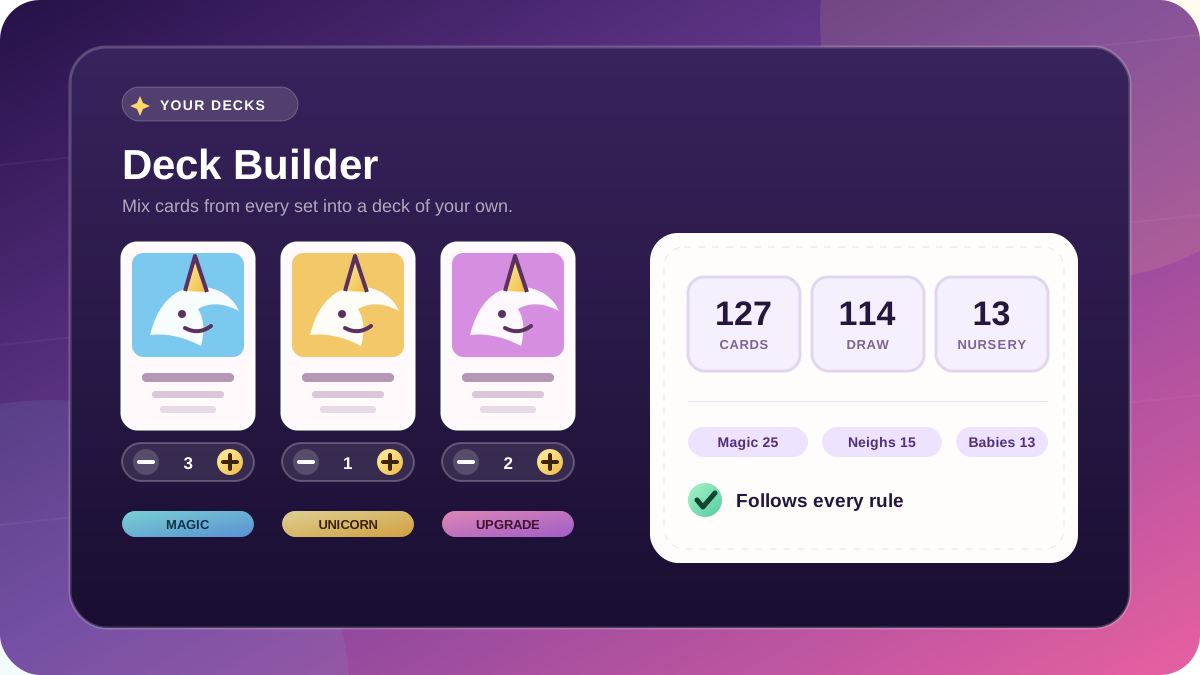
A deck-building screen with unicorn cards and copy steppers beside a panel counting 127 cards, 114 in the draw pile, 13 in the Nursery, and a check that the deck follows every rule

Big update

Build your own deck

  • Signed-in players can assemble custom decks from every printed set, including opt-in 21+ cards.
  • Printed copy limits, running draw-pile and Nursery totals, and deal validation keep decks within the rules.
  • Saved decks live on your account; matches still use the printed decks for now.

Small patch

Phoenixes, Lassos & instant victories

  • Two-For-One continues with both destructions after Unicorn Phoenix discards a card to survive the sacrifice.
  • Borrowing the final Unicorn with Unicorn Lasso ends the game immediately.

Small patch

More ways to start the chaos

  • Quick Battle starts a persistent match against three bots in one click.
  • Local Play adds configurable hotseat games on a single device.
  • The Home menu is easier to scan, and Unicorn Lasso correctly cleans up a borrowed Unicorn if it leaves your Stable early.

Small patch

A tidier end to every turn

  • Unicorn Lasso reliably returns the Unicorn it borrowed at the end of the turn, even if the Lasso leaves your Stable.
  • Discarding down to the hand limit waits for you to confirm your choices.
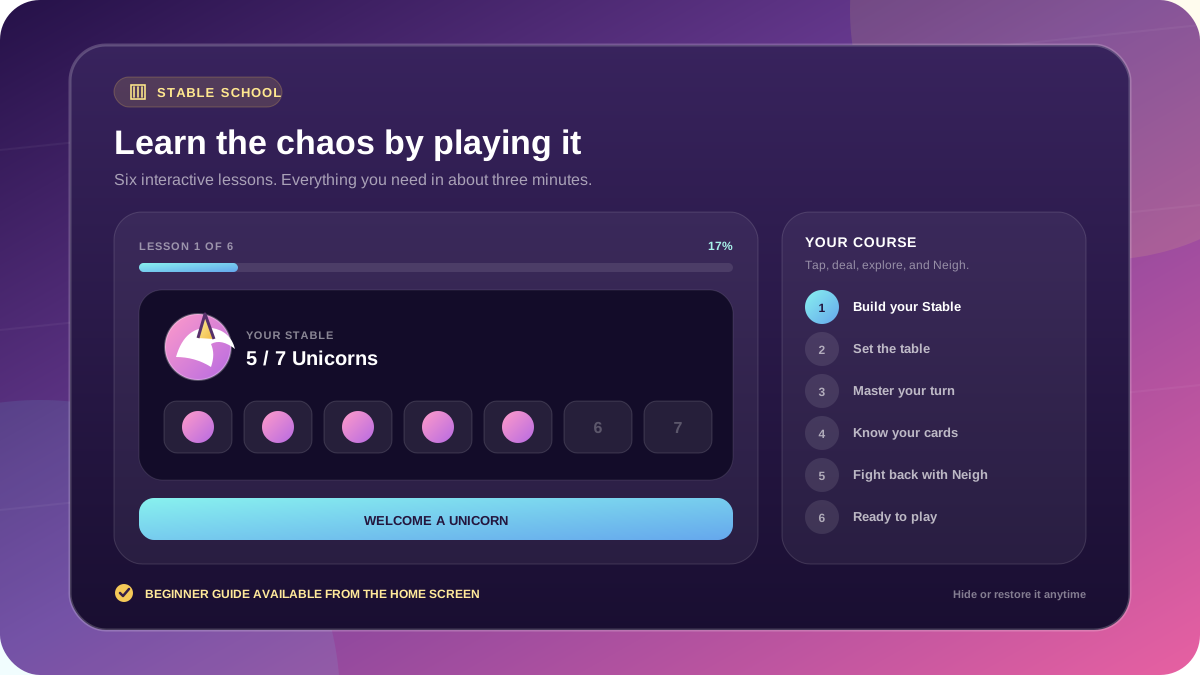
Stable School tutorial showing six lesson steps, a seven-Unicorn goal, turn phases, card types, and an interactive Neigh chain

Big update

Stable School is open

  • Learn the table through a playful six-lesson guide covering the winning goal, setup, turn phases, card types, and Neigh chains.
  • Each lesson is interactive and the whole tour takes about three minutes.
  • Hide or restore the beginner guide anytime from Home settings.
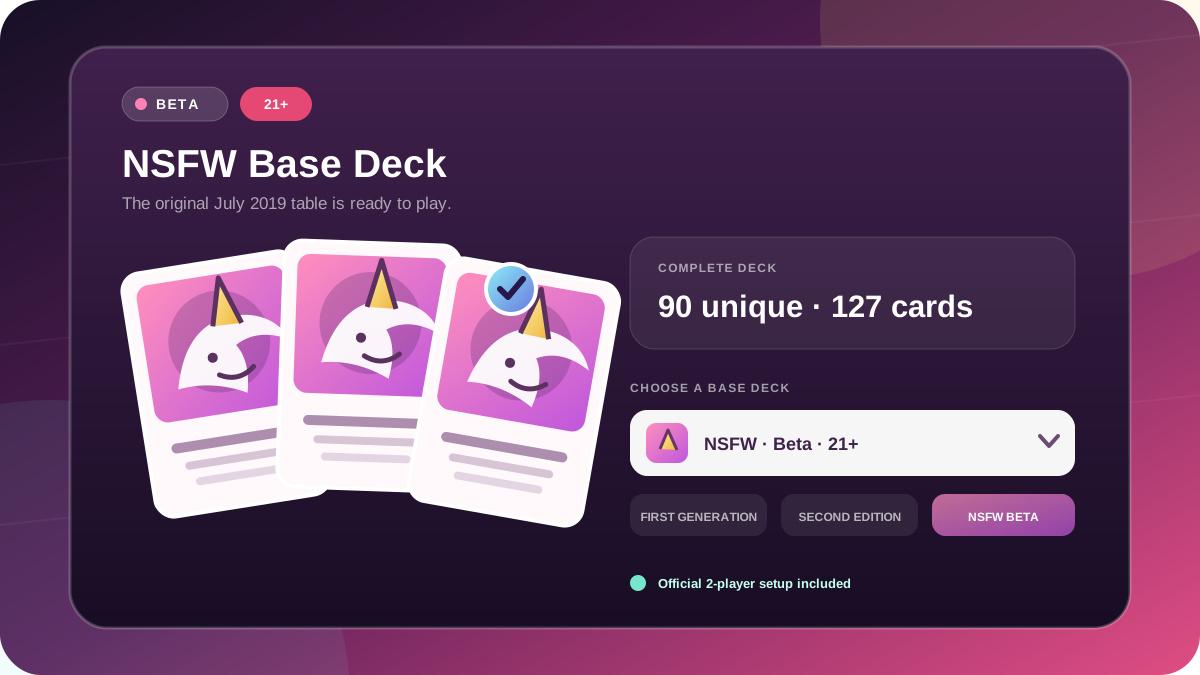
Three NSFW Base Deck cards beside Beta and 21 plus labels and a dropdown showing three playable base decks

Big update

The NSFW Base Deck enters beta

  • Play the original July 2019 NSFW Base Deck with all 90 unique cards, its complete 127-card distribution, and first-print artwork.
  • The official 2-player setup is included while the expanded rules engine remains in Beta.
  • A new full-width deck selector makes choosing among all three base decks easier on every screen.
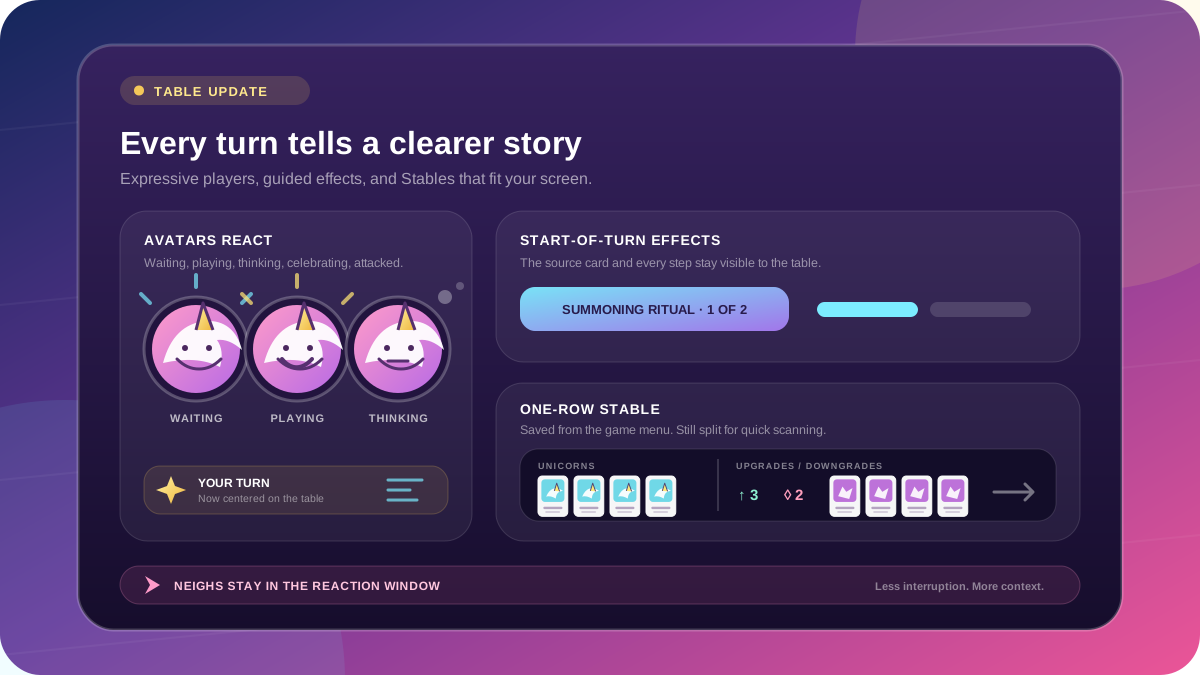
Expressive player avatars beside start-of-turn progress and a compact one-row Stable split into Unicorn and modifier groups

Big update

Living avatars & clearer turns

  • Avatars react as players wait, play, think, celebrate, or take a hit.
  • Beginning-of-turn effects show their source card and step-by-step progress, turn changes take center stage, and Neighs stay in the reaction window.
  • Smaller screens can switch every Stable to a saved one-row layout with Unicorns separated from Upgrades and Downgrades.
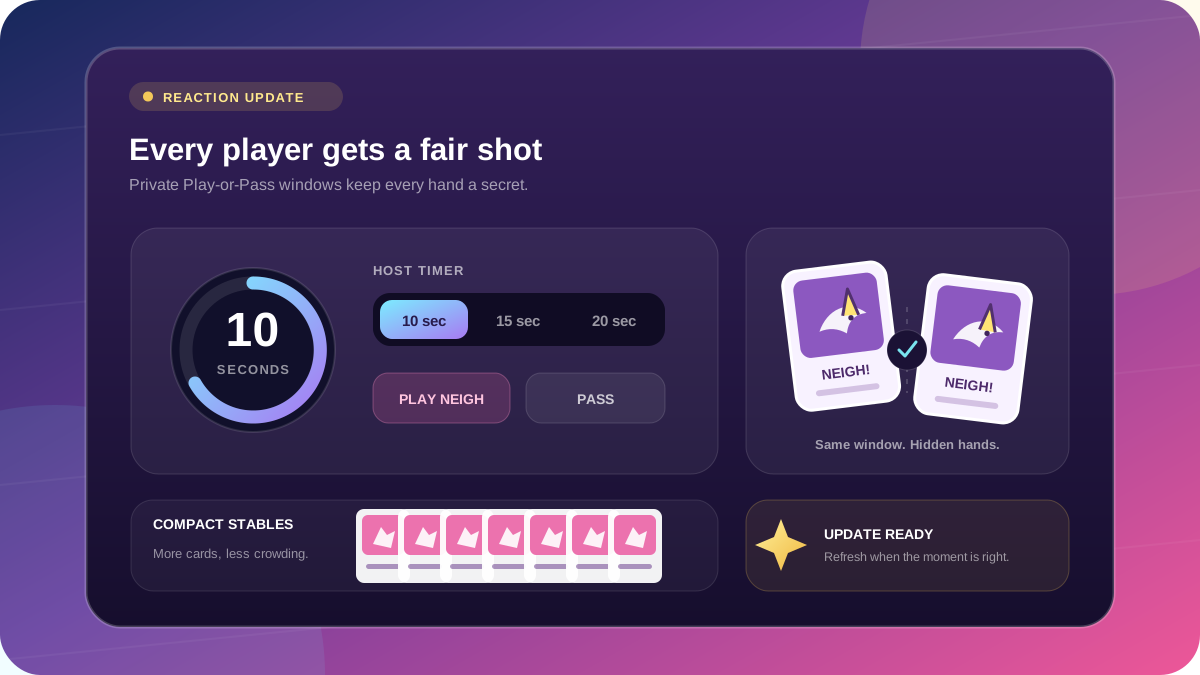
A configurable Neigh timer beside private Play-or-Pass cards, an update sparkle, and compact player Stables

Big update

Fairer Neighs & smoother updates

  • Hosts can choose a 10, 15, or 20-second Neigh window, with the same private Play-or-Pass opportunity for every opponent.
  • Open games announce new deployments without interrupting play, and smaller Stables stay compact.
  • Glitter Tornado and Alluring Narwhal now follow their card text.
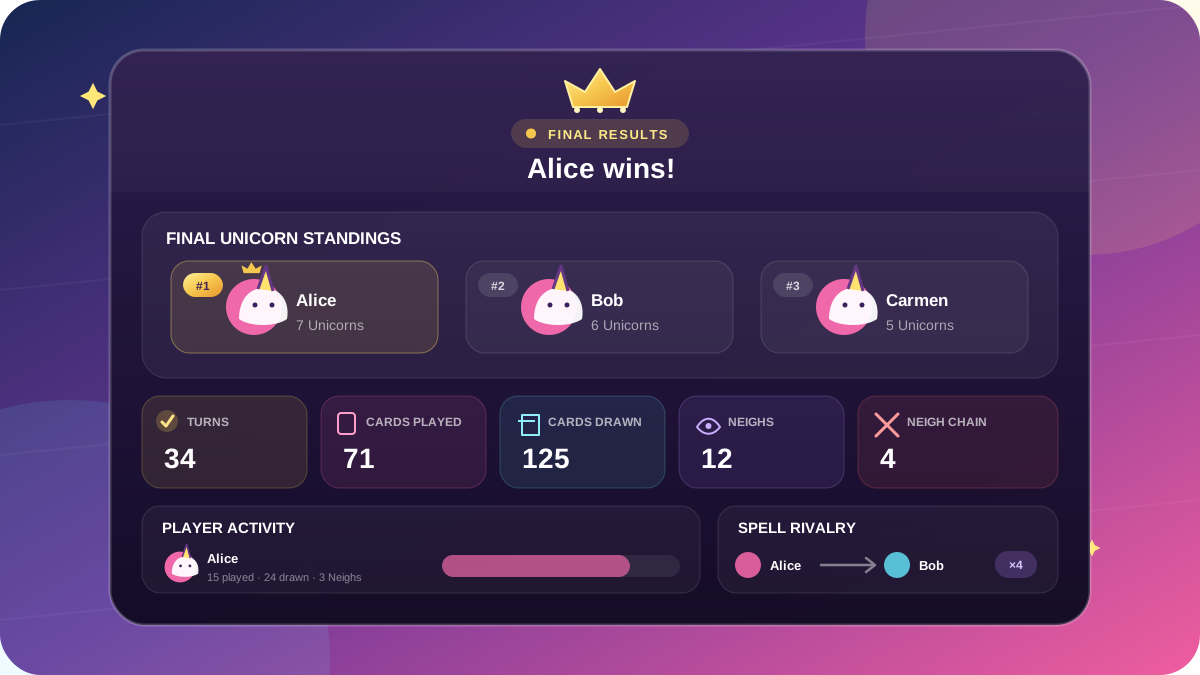
A final results dashboard with a crowned winner, Unicorn standings, match totals, and player rivalries

Big update

The final results are in

  • See the final Unicorn standings, cards played and drawn, Neigh chains, close calls, and spell rivalries.
  • Jump straight into another game from the final results.
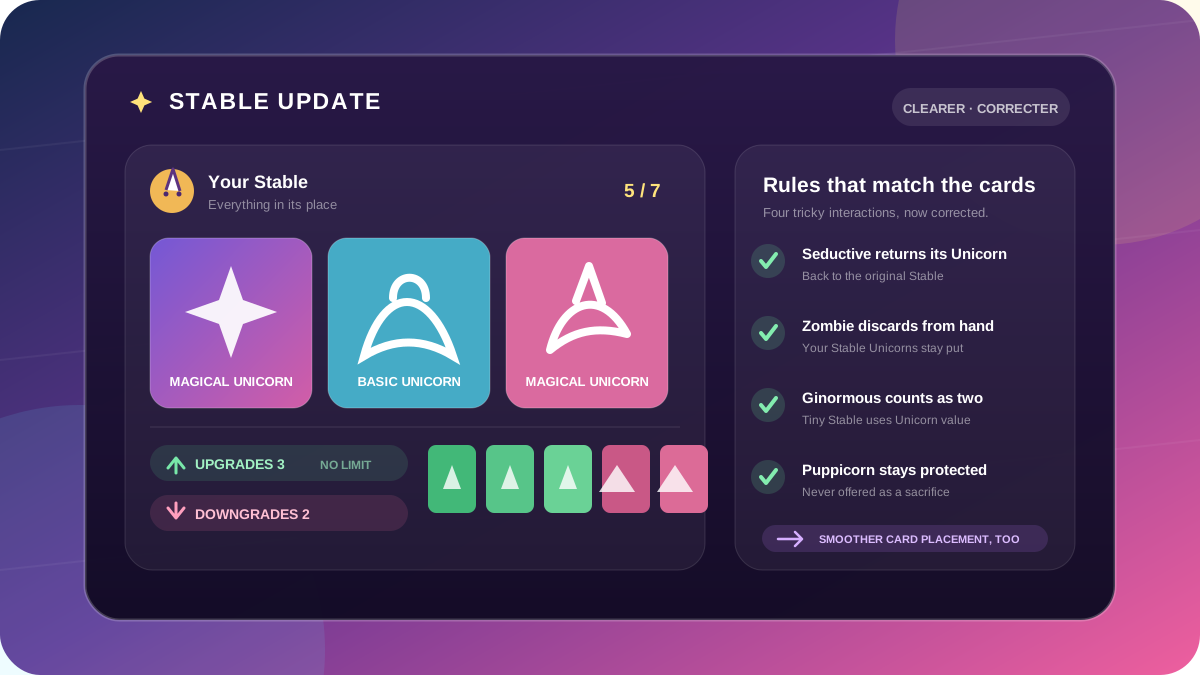
A clearer Stable with Upgrade and Downgrade counts beside corrected card-rule summaries

Big update

Stable clarity & card rule fixes

  • Stables are easier to read with Upgrade and Downgrade counts, no-limit guidance, scrolling cues, and cleaner card-play animations.
  • Zombie Unicorn discards from your hand, and Tiny Stable counts Ginormous Unicorn as two and never offers Puppicorn.
  • Seductive Unicorn returns the Unicorn it moved, and Unicorn Shrinkray honors leave-Stable effects.
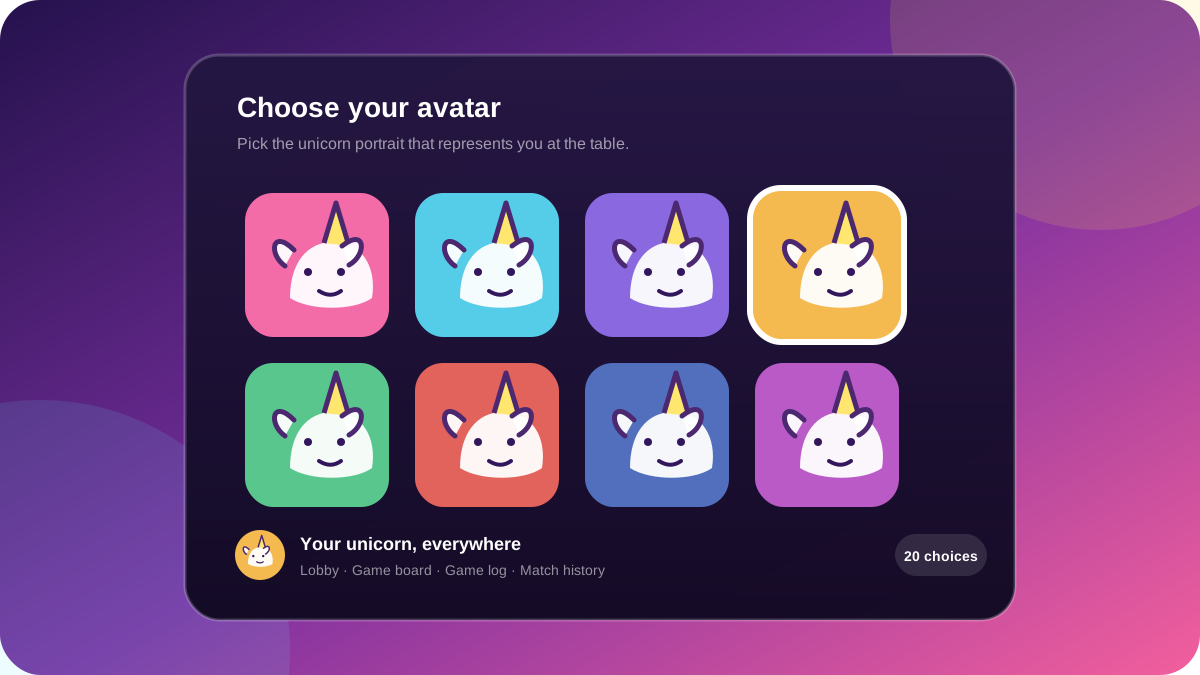
A selection of colorful unicorn player avatars

Big update

Player avatars

  • Choose from 30 unicorn portraits to make your seat unmistakably yours.
  • Keep the same avatar everywhere players appear, from the lobby and game board to the game log and match history.
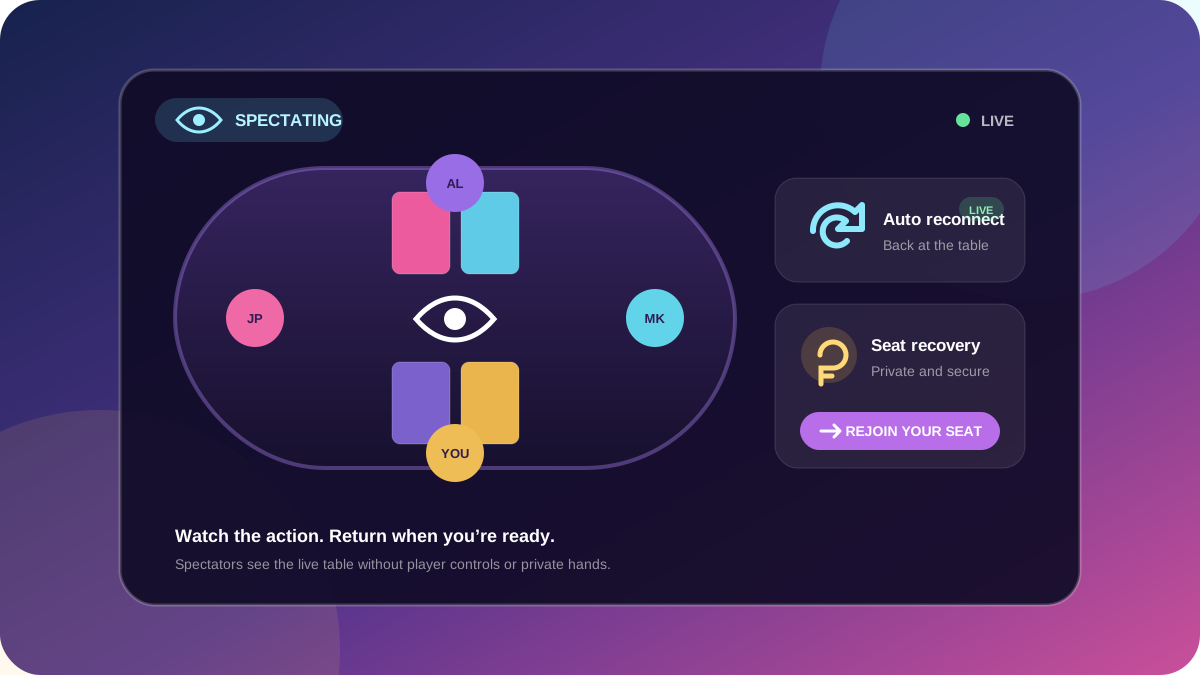
A spectator watching a live game with reconnect and seat recovery controls

Big update

Spectator mode & reconnect

  • Watch active games without taking a seat.
  • Reconnect automatically after brief network interruptions.
  • Securely reclaim your player seat on another browser or device with a private recovery link.
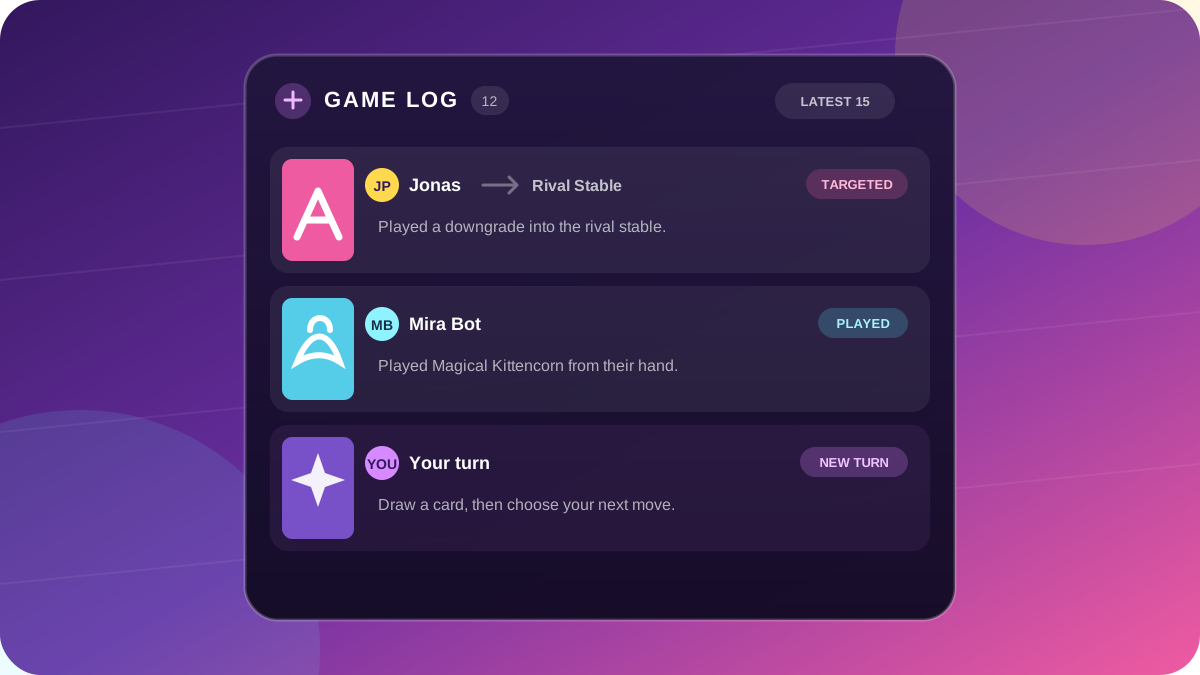
A preview of the redesigned visual game log with cards and player actions

Big update

Improved visual game log

  • Follow every twist through card art, player identities, targets, and colorful action labels.
  • Switch between the latest 5 or 15 game events.